 S3 Files
Help
Guides for S3 Files on iPhone, iPad and Mac: connecting to AWS S3 and other S3 compatible services, working from the Files app and Finder, encryption, sharing and automation.
Setup
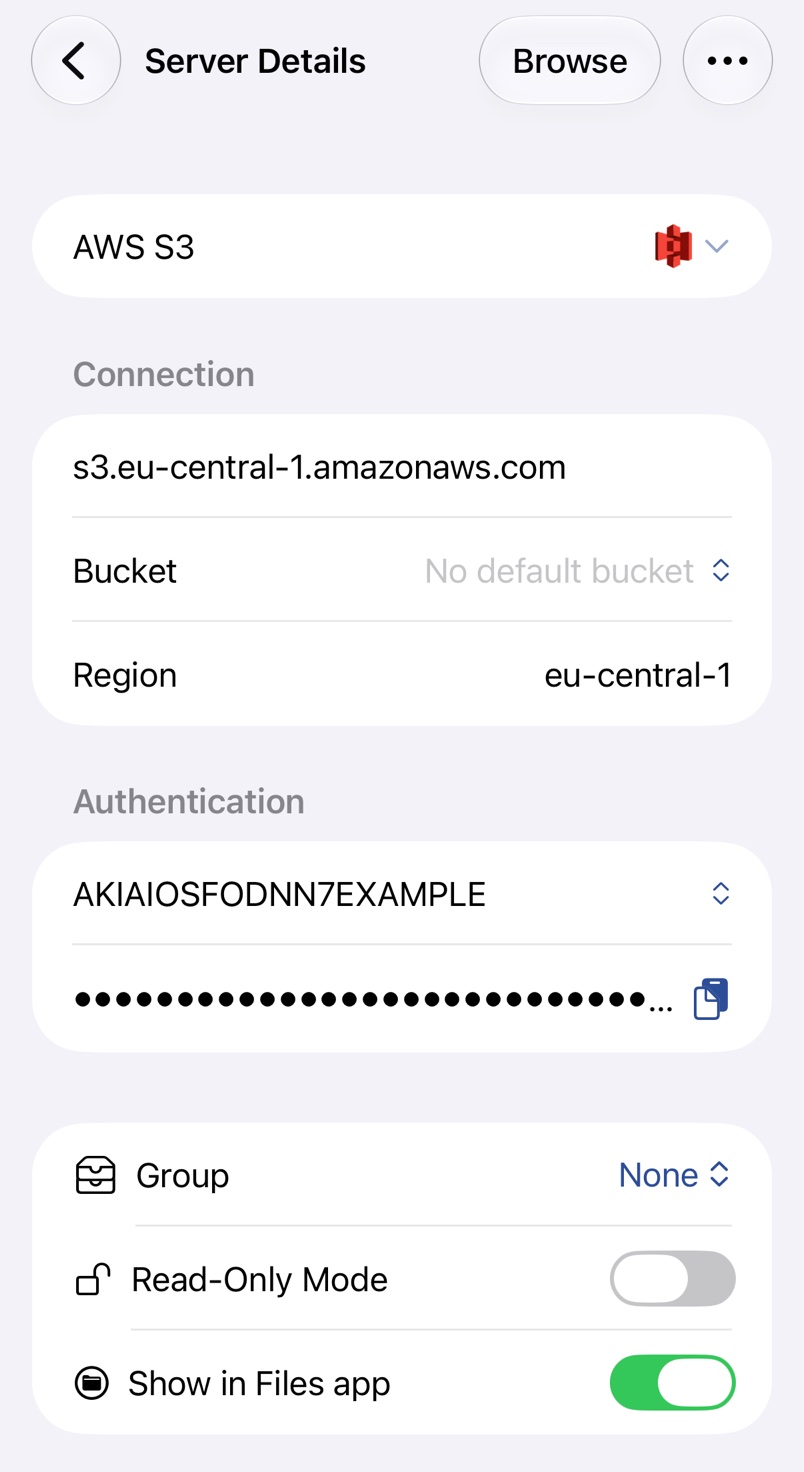
Adding a Server
Connect S3 Files to Amazon S3 or another S3-compatible service with an access key, a bucket and a region.
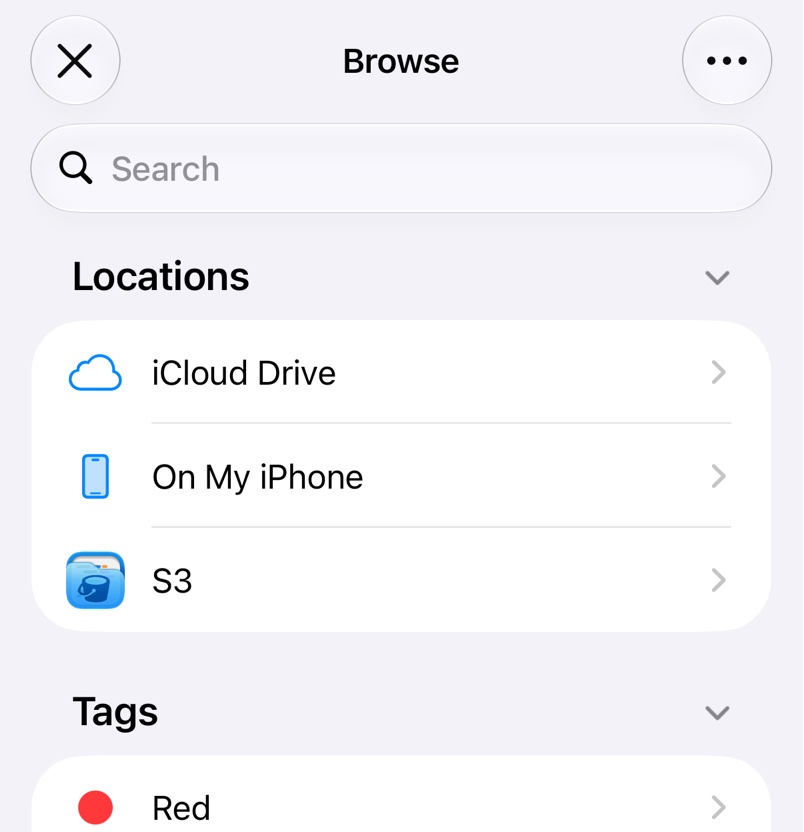
Files App and Finder
Open and edit S3 files in place from the Files app and Finder, and share links from the context menu.
Providers

AWS S3
Connect S3 Files to Amazon S3 with an IAM user's access key, or sign in through IAM Identity Center.

Cloudflare R2
Connect S3 Files to a Cloudflare R2 bucket with an R2 API token and your account ID.

Backblaze B2
Connect S3 Files to Backblaze B2 with an application key; S3 Files finds the endpoint and region itself.

Google Cloud Storage
Connect S3 Files to a Google Cloud Storage bucket with an HMAC key, not a service account JSON file.


MinIO and Garage
Connect S3 Files to a MinIO or Garage server you run yourself, at home or online.






Other S3 Services
Connect S3 Files to Hetzner, Wasabi, DigitalOcean and other S3-compatible services, or to any S3 address.
Features
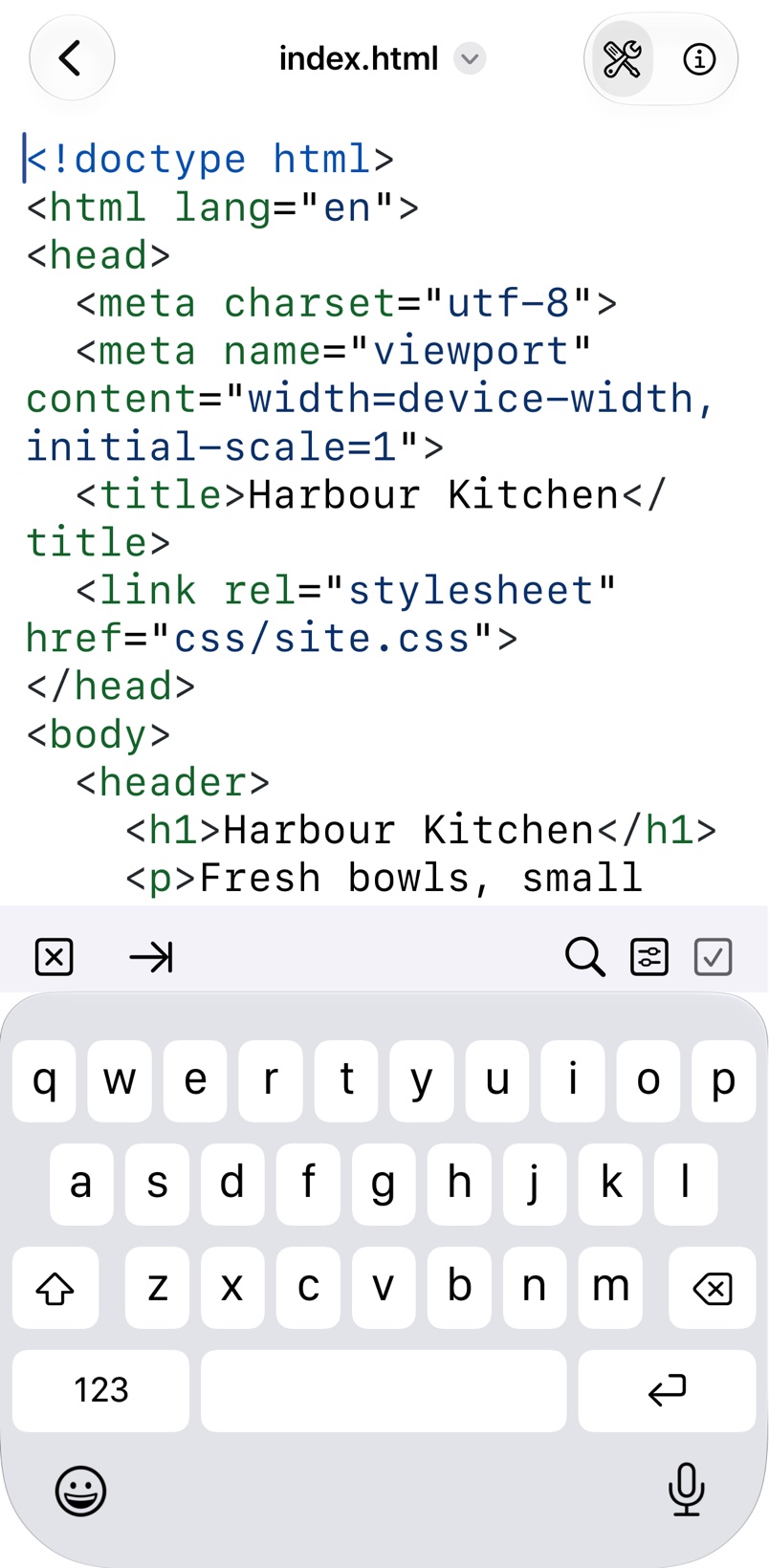
Browsing in the App
Browse your buckets in S3 Files, search them and edit text files with syntax highlighting.
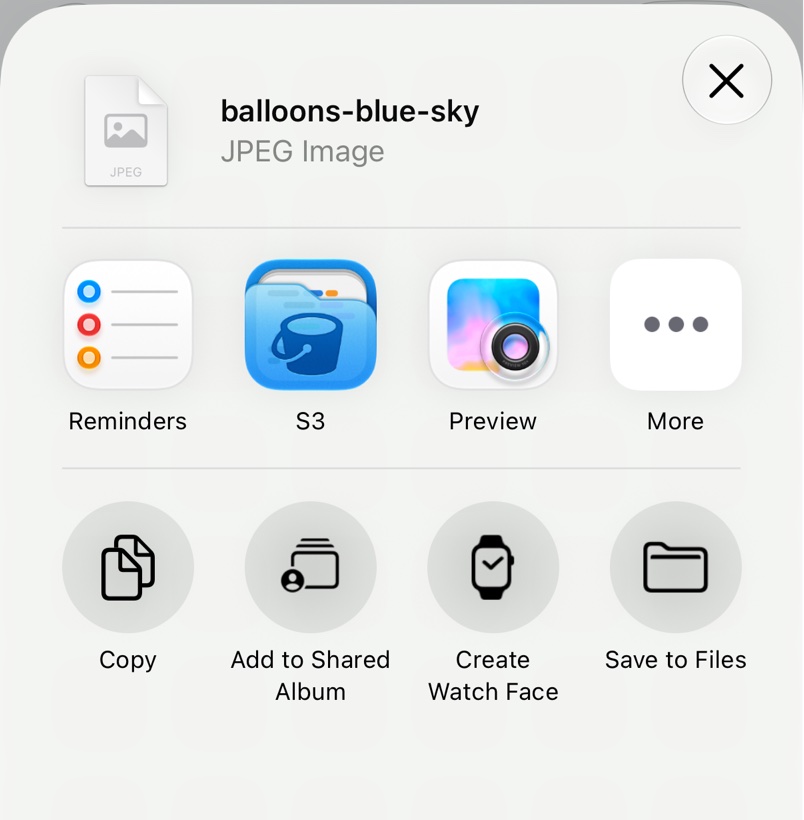
Quick Upload
Upload files and folders to your servers from any app's share sheet, or from Finder on a Mac.
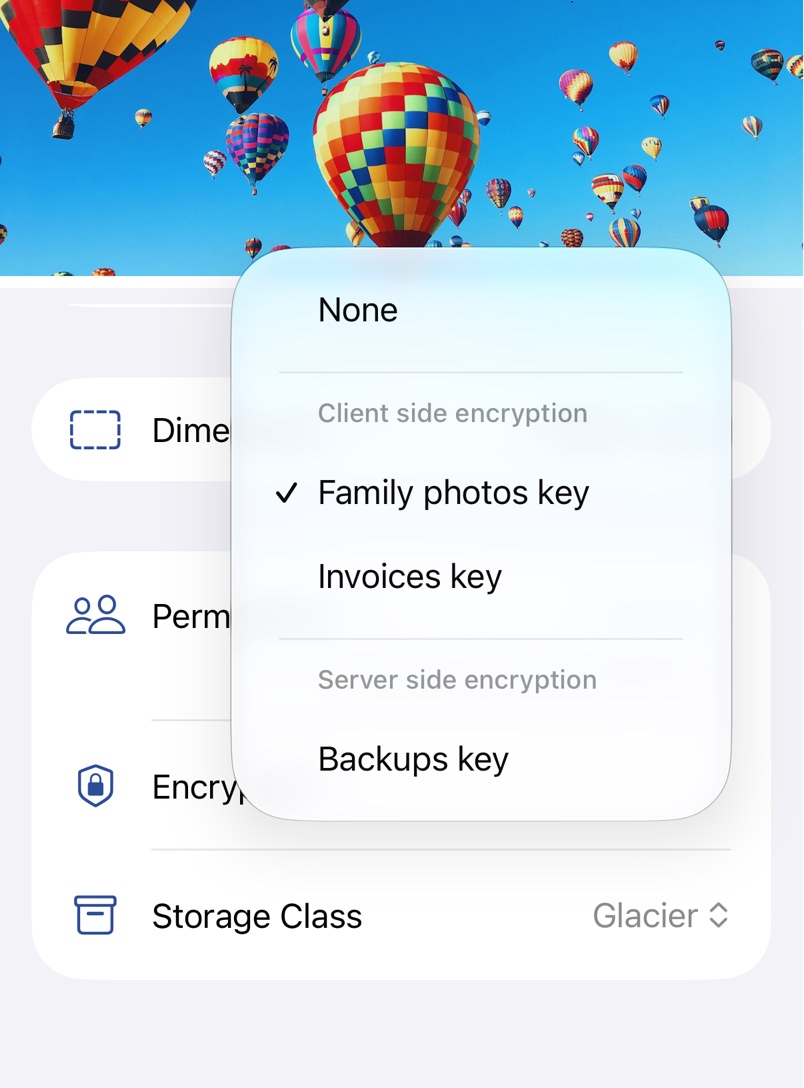
Encryption
Encrypt files on your device before they reach S3, or have S3 encrypt them with a key only you hold.
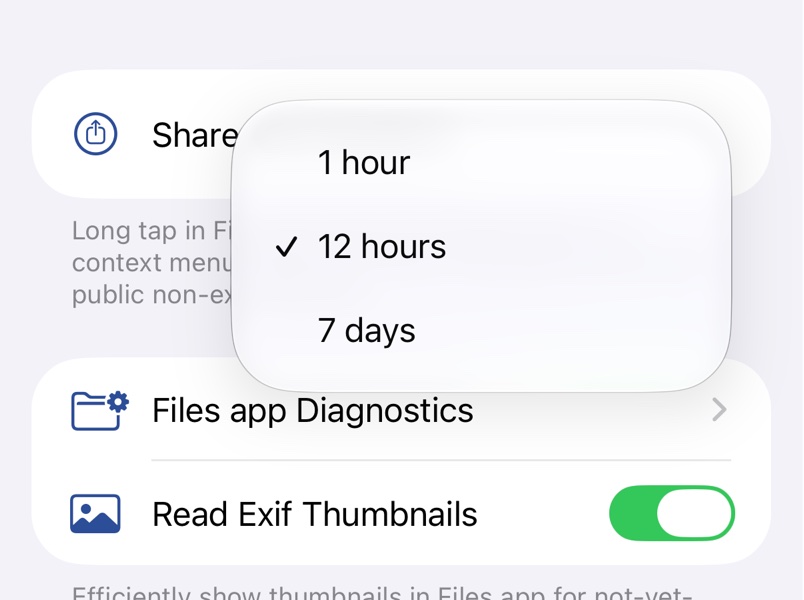
Share Links
Send anyone a link that downloads a file from your bucket in a browser and expires when you choose.
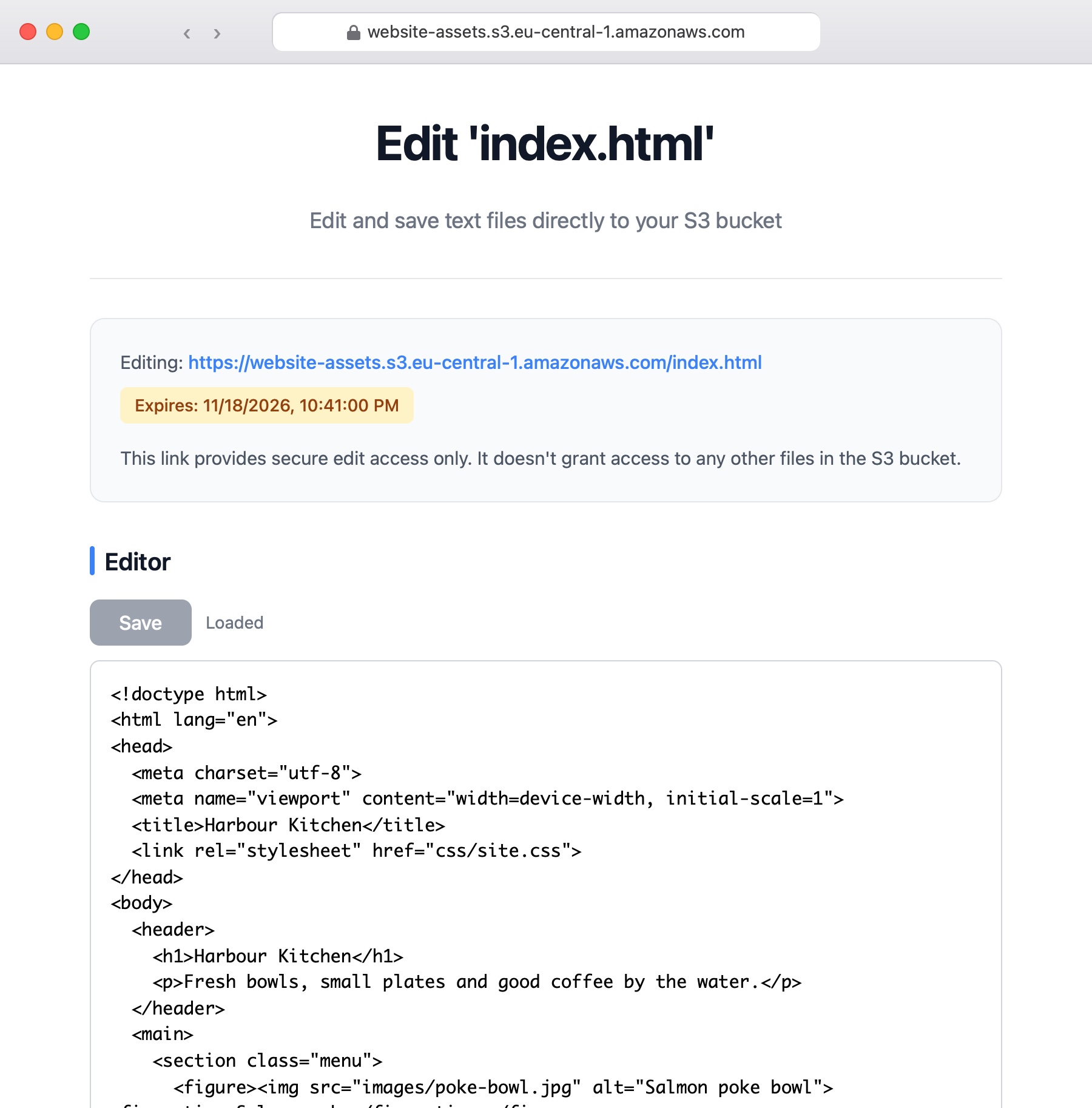
Request Upload and Edit Links
Send a link that lets anyone upload a file into your bucket, or edit a text file, from a browser.
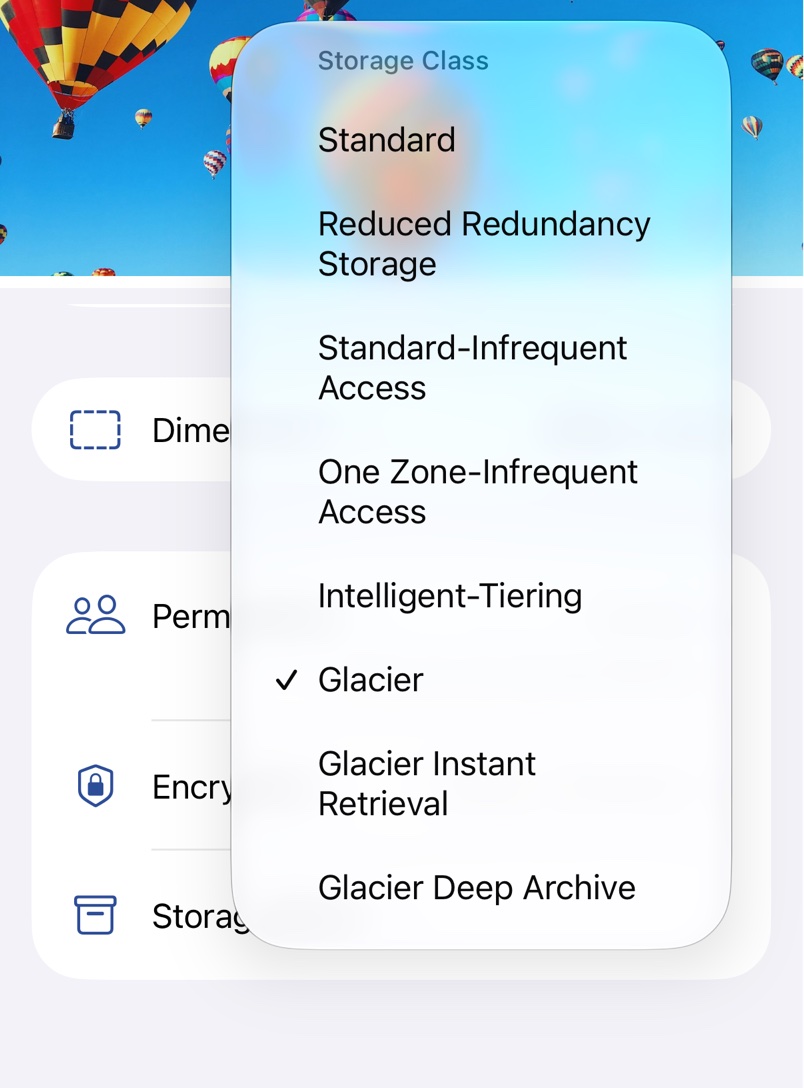
Storage Classes and Glacier
Choose the storage class for uploads, change it for a file, and restore files from Glacier.
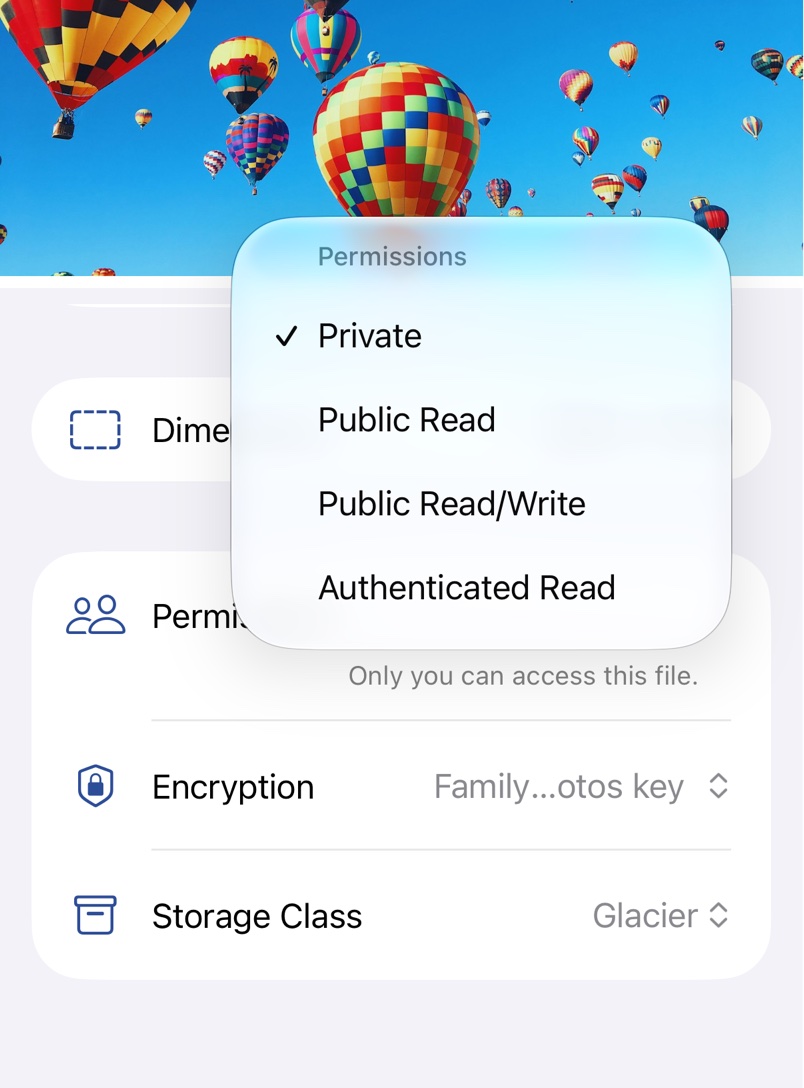
Versions and Permissions
Make a file public or private, and bring back older or deleted versions of files in a versioned bucket.
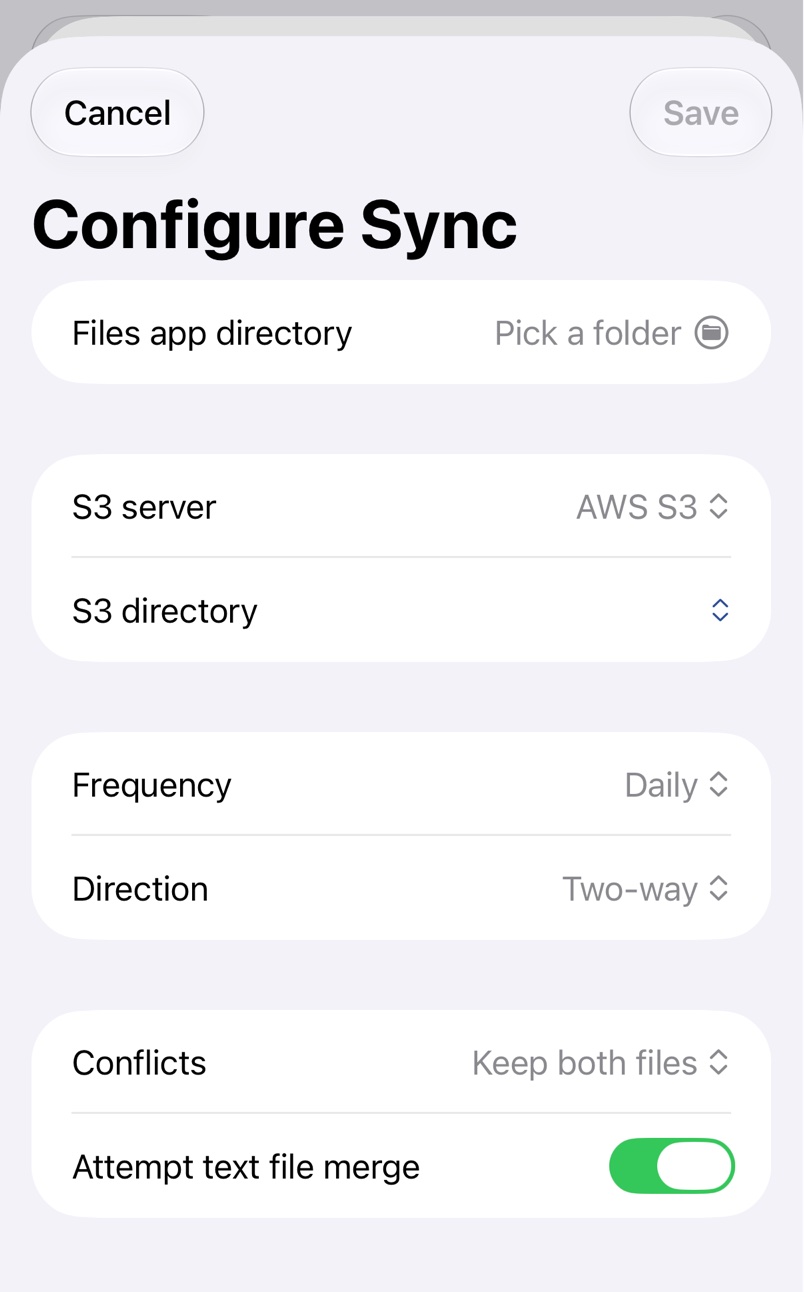
Folder Sync
Keep a folder on your device and one on a server in sync, by hand or on a schedule.
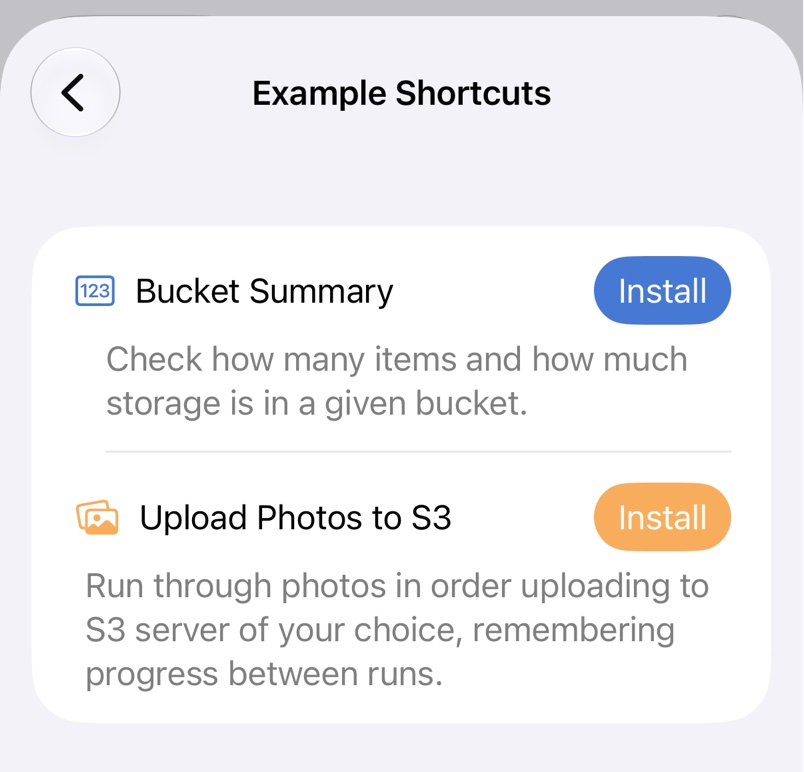
Shortcuts Automation
Automate S3 Files with Shortcuts: list, download, upload, move and delete files, request upload links and run a folder sync.
Help
Connection Errors
Find out what Access Denied, Signature Does Not Match and other S3 connection errors mean, and how to fix them.
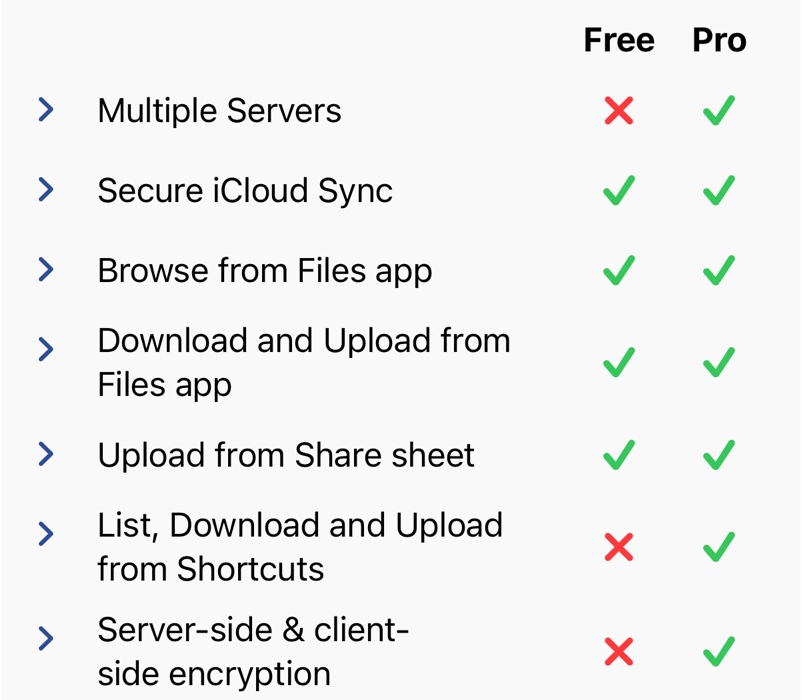
Free and Pro
What S3 Files does for free, what Pro adds, and how to try, subscribe to or buy it.
Further Help
Email the developer about S3 Files, with the details and logs that help solve a problem quickly.
Remove from Finder
Remove the S3 location that deleting S3 Files can leave in the Finder sidebar, without reinstalling.