 S3 Files
Quick Upload
Upload from any app with the share sheet: pick S3 Upload, choose the server and folder, and tap Upload. Whole folders work too.
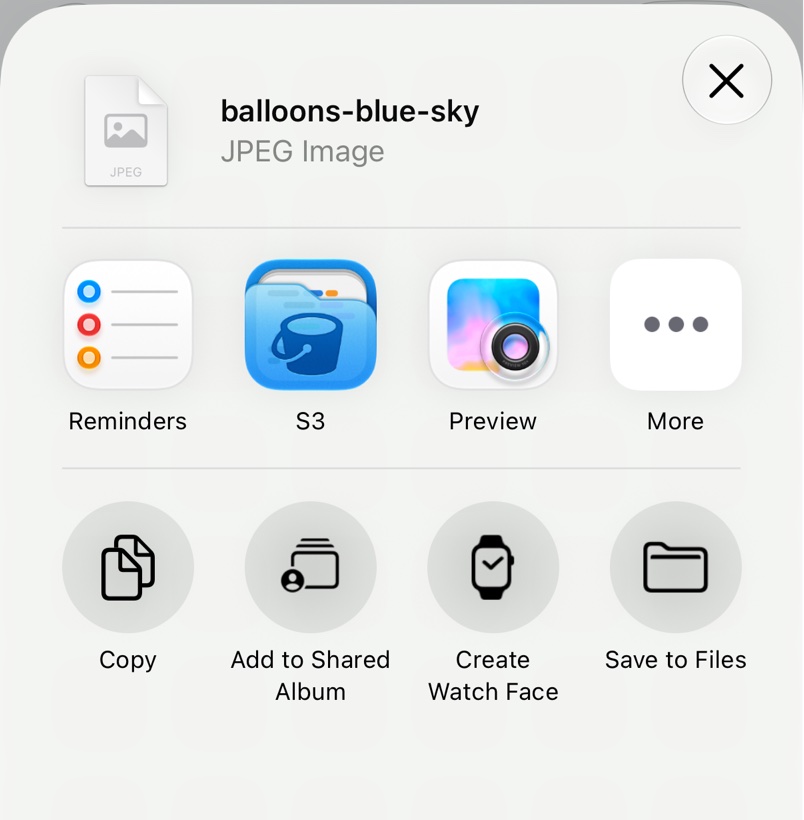
If S3 Upload isn't in the row of apps, scroll to the end, tap More, then Edit, and add it. On a Mac, use the Share menu, or Upload to S3 under Services in Finder's context menu.
S3 Files remembers the folder for each type of file, such as photos or PDFs. On iPhone and iPad, Create Folder makes a new one.
Copy Share Link copies links that expire after 1 hour, 12 hours or 7 days, or makes the upload publicly readable with a link that doesn't expire.
If the name is taken, Duplicate filename lets you type a new name and tap Retry, or tap Overwrite.
Troubleshooting
- There's no link option. Servers with a client-side encryption key have no links.
- Upload is a Pro feature. Older installs need Pro to upload; see Free and Pro.