 S3 Files
Hetzner, Wasabi, DigitalOcean and Other S3 Services
Besides the providers with pages of their own, Service knows the services below, and for these you only need the keys, the bucket and its region. Anything else that speaks S3 works through Other, where you enter the address yourself.
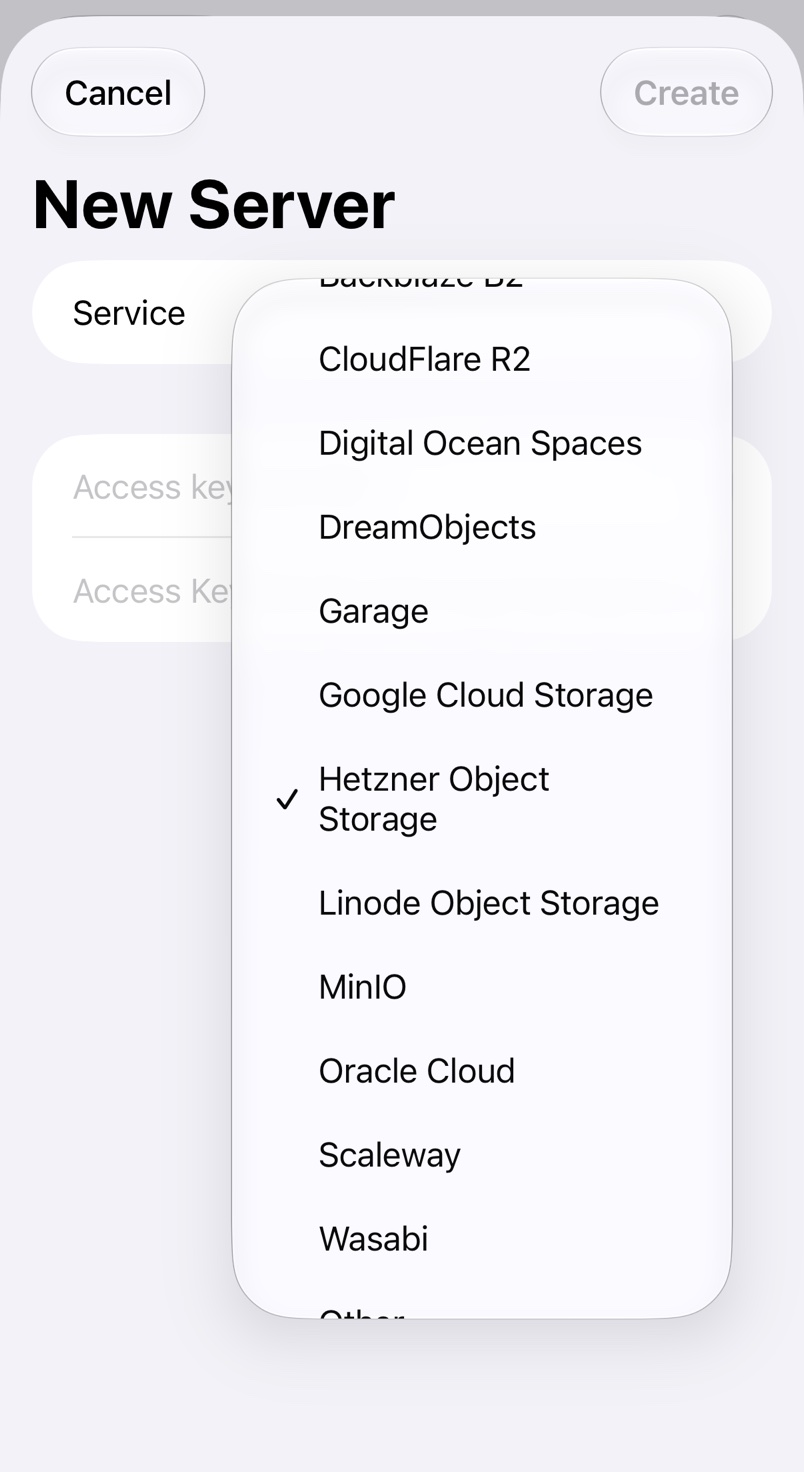
Named providers
Create the keys where your provider says, paste them and pick the region, or other for one that isn't listed.
- Hetzner Object Storage: generate S3 credentials in the Cloud Console under Security → S3 Credentials.
- Wasabi: create the key under Access Keys in the Wasabi console.
- Digital Ocean Spaces: create the key under Spaces access keys in the control panel.
- Linode Object Storage: create the key on the Access Keys tab of Object Storage in Cloud Manager, and always enter the bucket name.
- Scaleway: create an API key in IAM for Object Storage use.
- Oracle Cloud: create a Customer Secret Key under your user profile, and enter your Object Storage namespace in Namespace.
- DreamObjects: the keys are on the DreamObjects page of the DreamHost panel.
- Alibaba Cloud OSS: create an AccessKey pair for a RAM user in the RAM console.
Other
For anything else, pick Other, paste the keys and enter the Endpoint and Region your provider documents, such as https://s3.example.com and us-east-1, which many self-hosted services accept. To fix the server to one bucket, add it to the address: https://s3.example.com/example-bucket.
Bucket in the path or in the hostname
When the address names no bucket, a trailing slash puts the bucket in the path, as most self-hosted servers want; without one it goes in the hostname. The note under the fields says which, and if the hostname can't be found, S3 Files tries the path instead.